

Breakaway
While the Canandmag ships with both a data port and solder pads for flexibility and redundancy, some users may wish to shorten the encoder or reduce entry points for debris. In these cases, we offer a way to permanently remove the data port easily to convert the encoder into a CAN-only mode.
Required items:
- Canandmag
- Sharp flush cutter
- Safety glasses
- (Optional) Vise or pliers
Note that safety glasses are not optional. Small pieces of plastic or PCB can go flying when cut, so please keep yourself safe and make sure that you and others around you are wearing safety glasses.
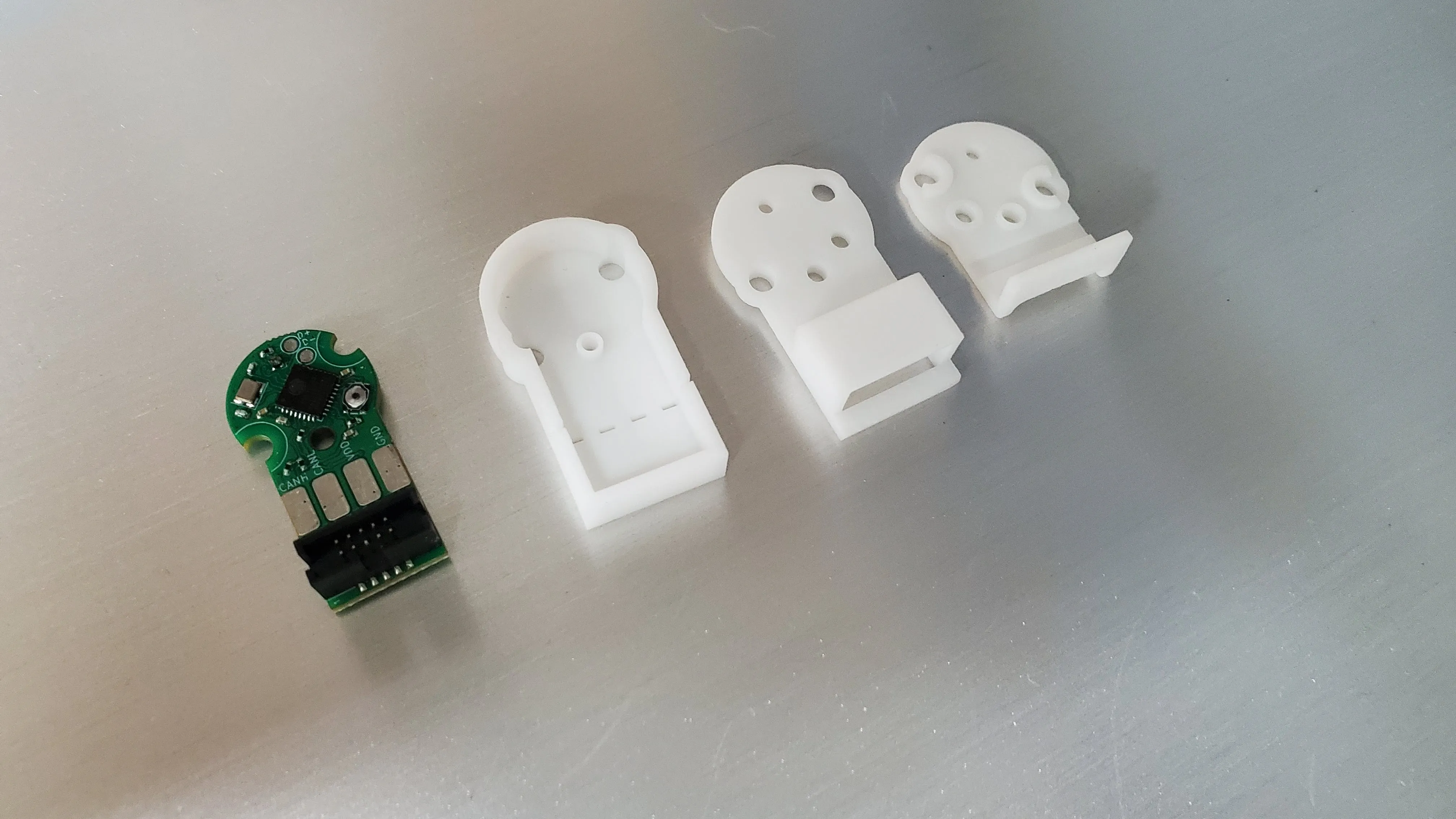
Step 1: Canandmag
Section titled “Step 1: Canandmag”Position the blade of the flush cutter directly over the center of the breakaway slots. Holding the encoder in pliers or (very gently!) in a vise is encouraged to stop the encoder from flying away after cutting.
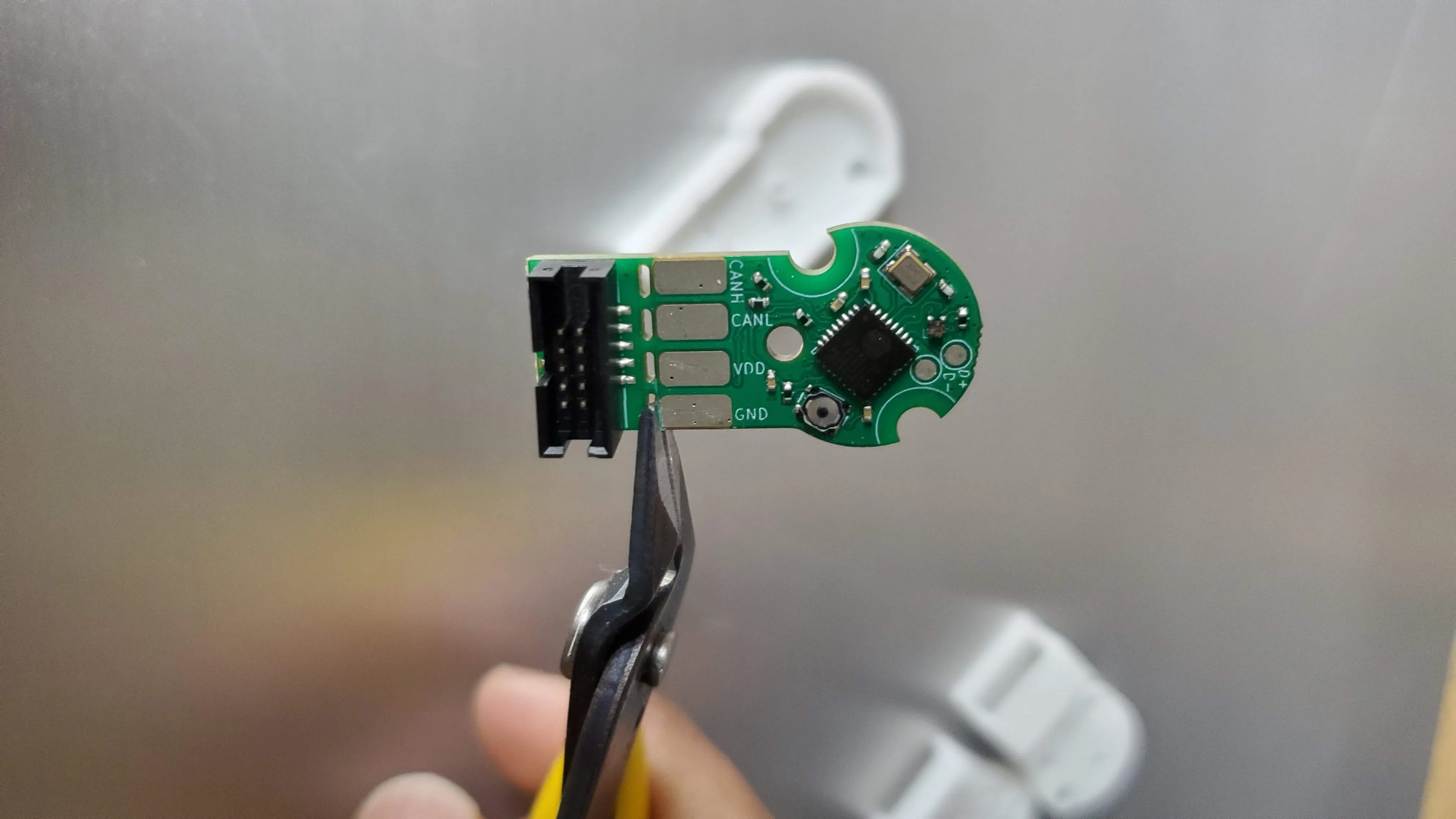
Firmly clip the Canandmag. It may take one cut per rib or fewer to break the Canandmag apart. Be mindful of flying offshoots during cutting!
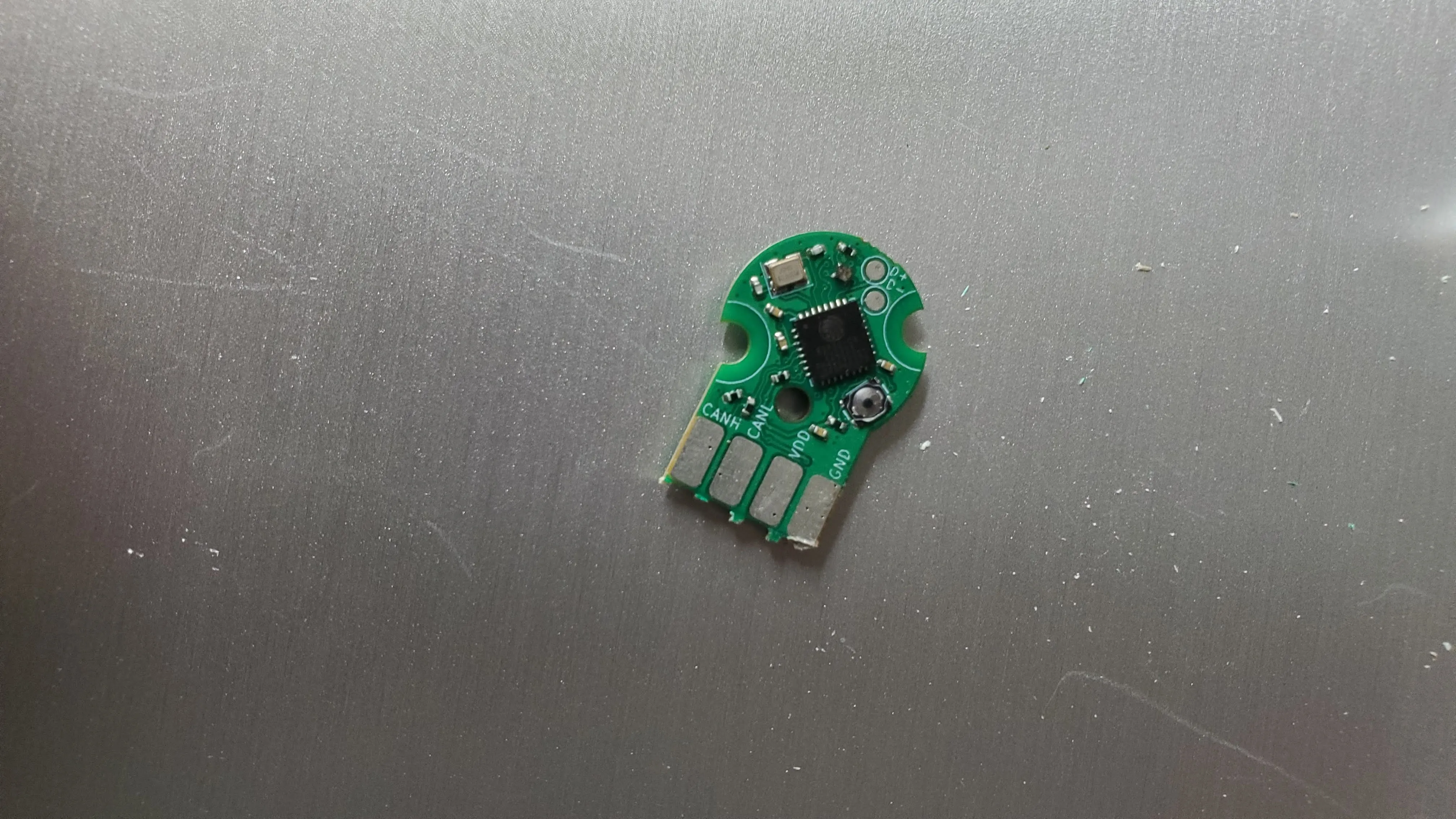
The Canandmag is now trimmed. Short stubs of ribs can be further trimmed with the flush cutters if desired.
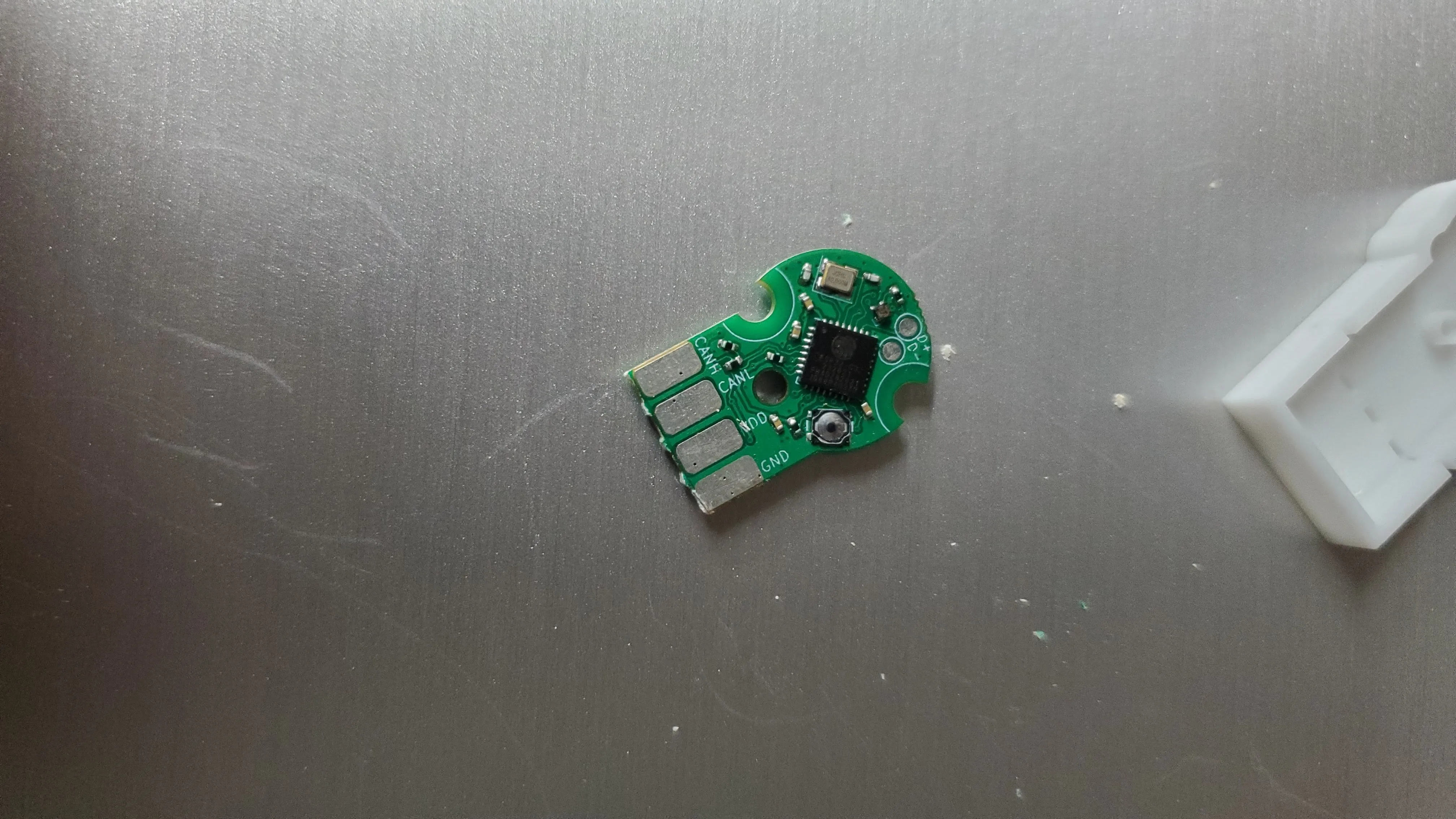
Step 2: Casing
Section titled “Step 2: Casing”Position the blade of the flush cutter directly over the center of the breakaway slots. Holding the casing in pliers or (very gently!) in a vise is encouraged to stop the plastic from flying away after cutting.
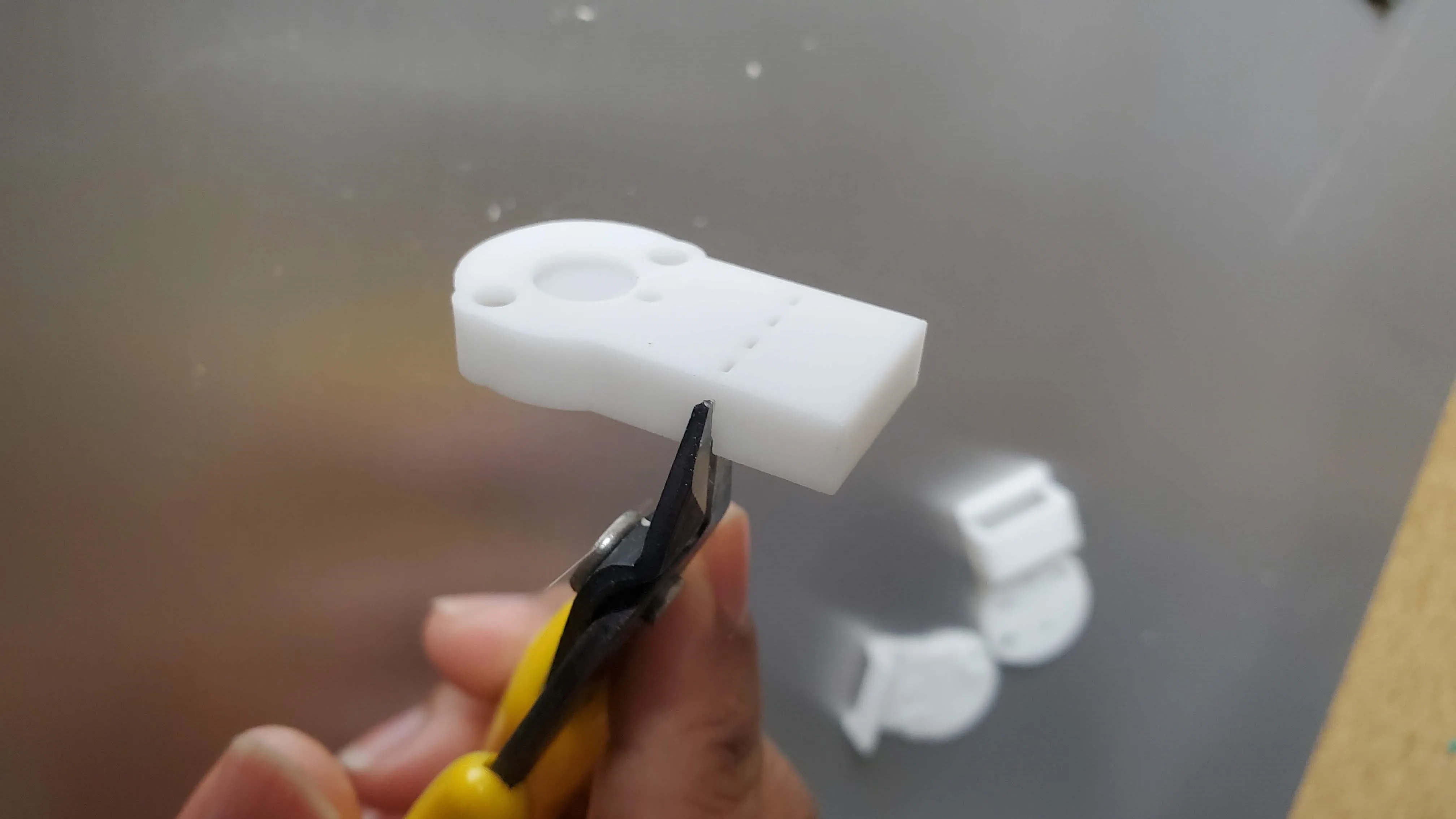
Firmly clip the casing. It may take one cut per rib or fewer to break the casing apart. Be mindful of flying offshoots during cutting!
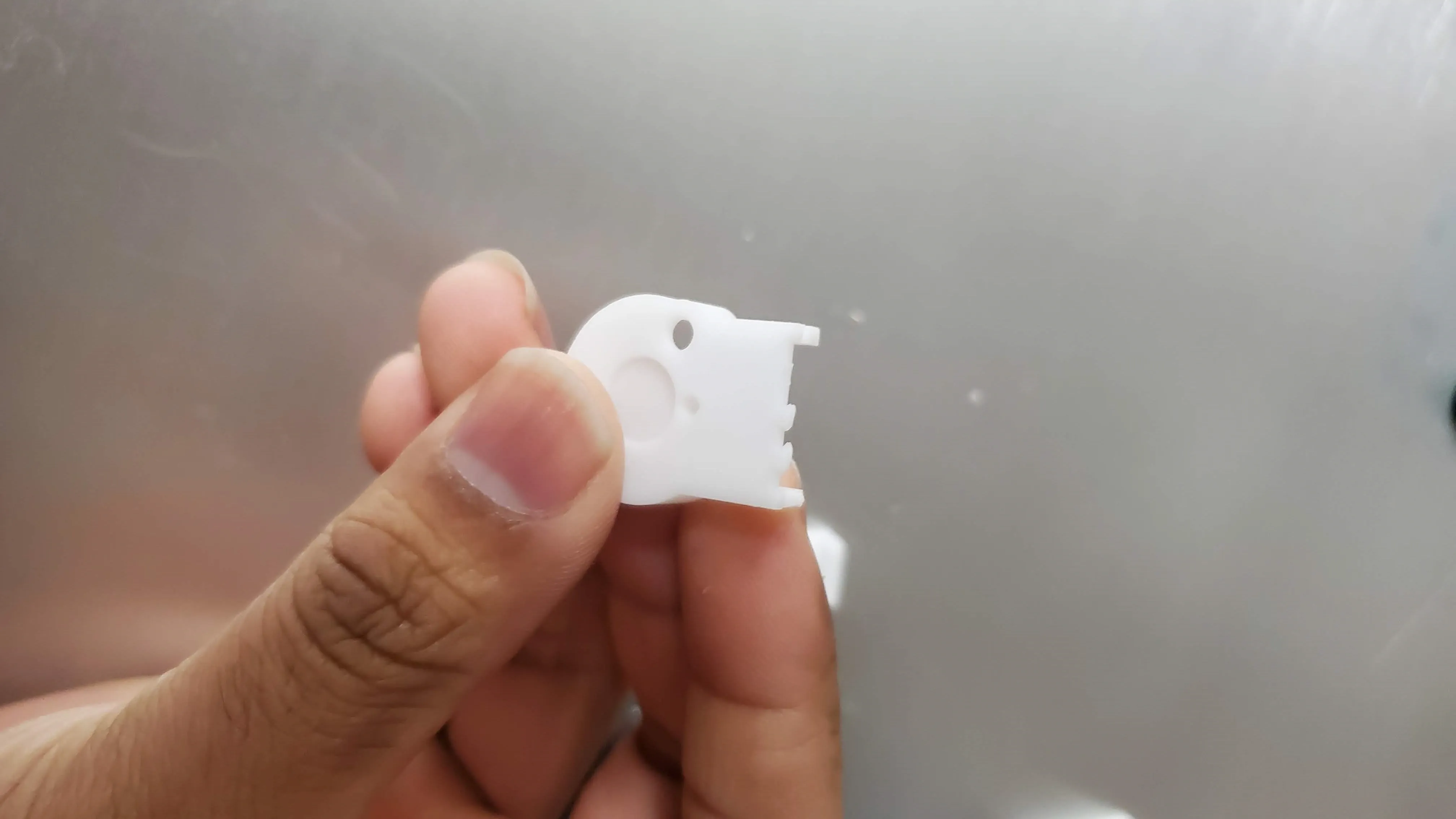
Stubs of ribs can be further trimmed with the flush cutters if desired.
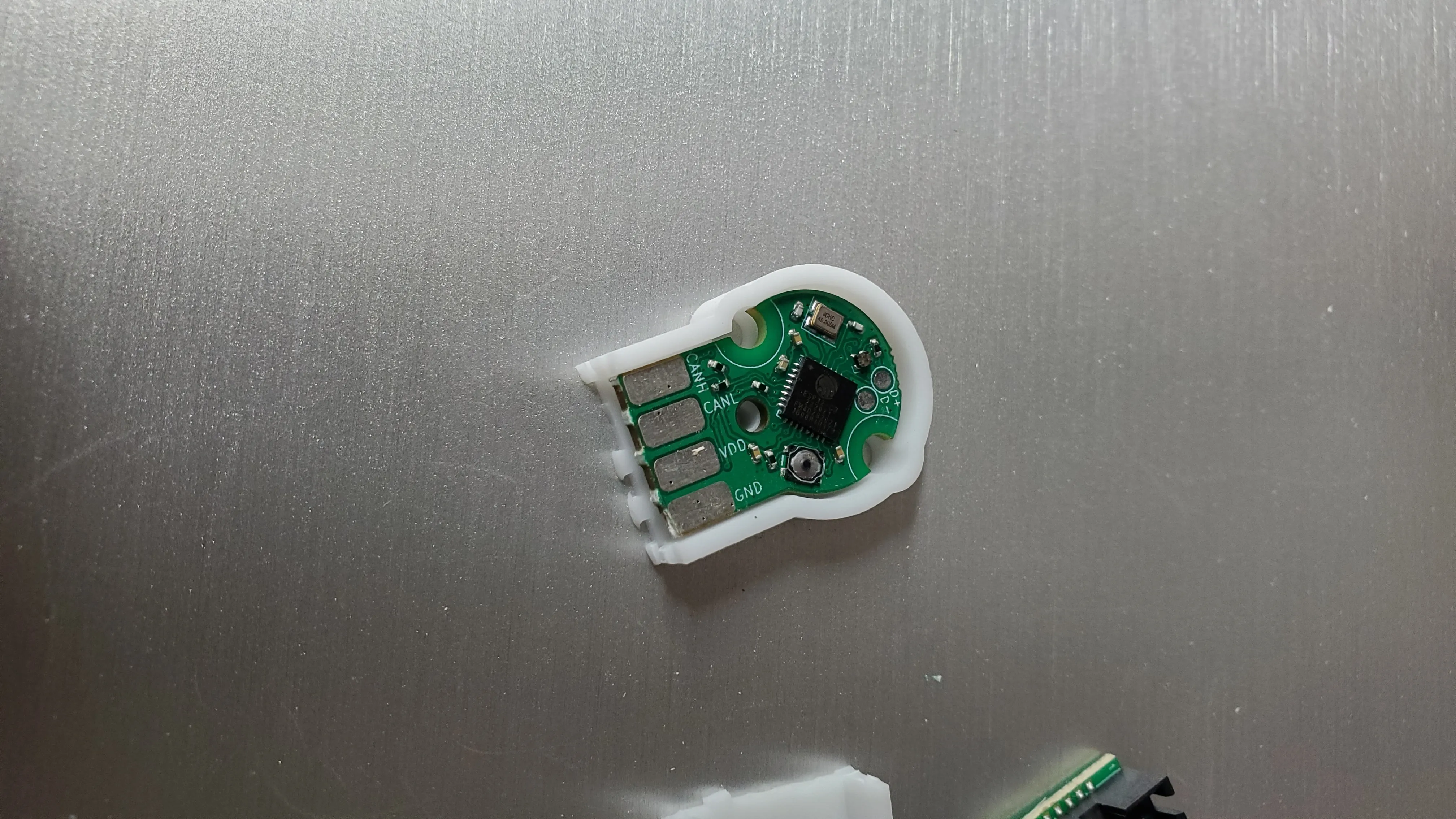
The shorter casing lid should now fit onto the Canandmag.
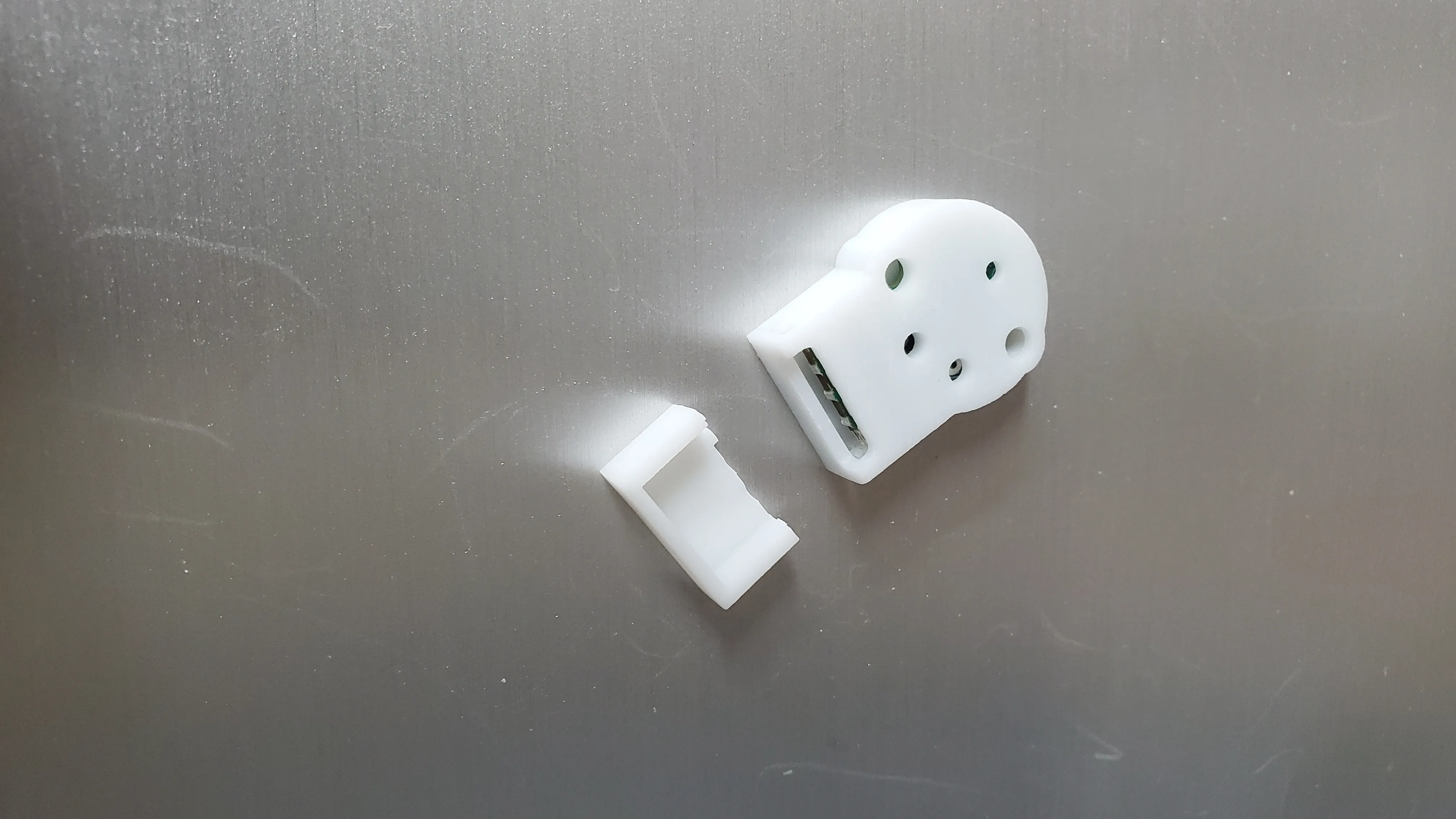
Your Canandmag has now been converted into CAN-only operation.